phpClaw for PrestaShop
The PrestaShop adapter is a module. It adds back office pages under phpClaw, a CLI script, a REST endpoint with per-employee tokens, and 21 tools.
Install
Section titled “Install”| Requirement | Version |
|---|---|
| PHP | 8.1 or later |
| PrestaShop | 8.0 or later |
Download phpClaw for PrestaShop (.zip)
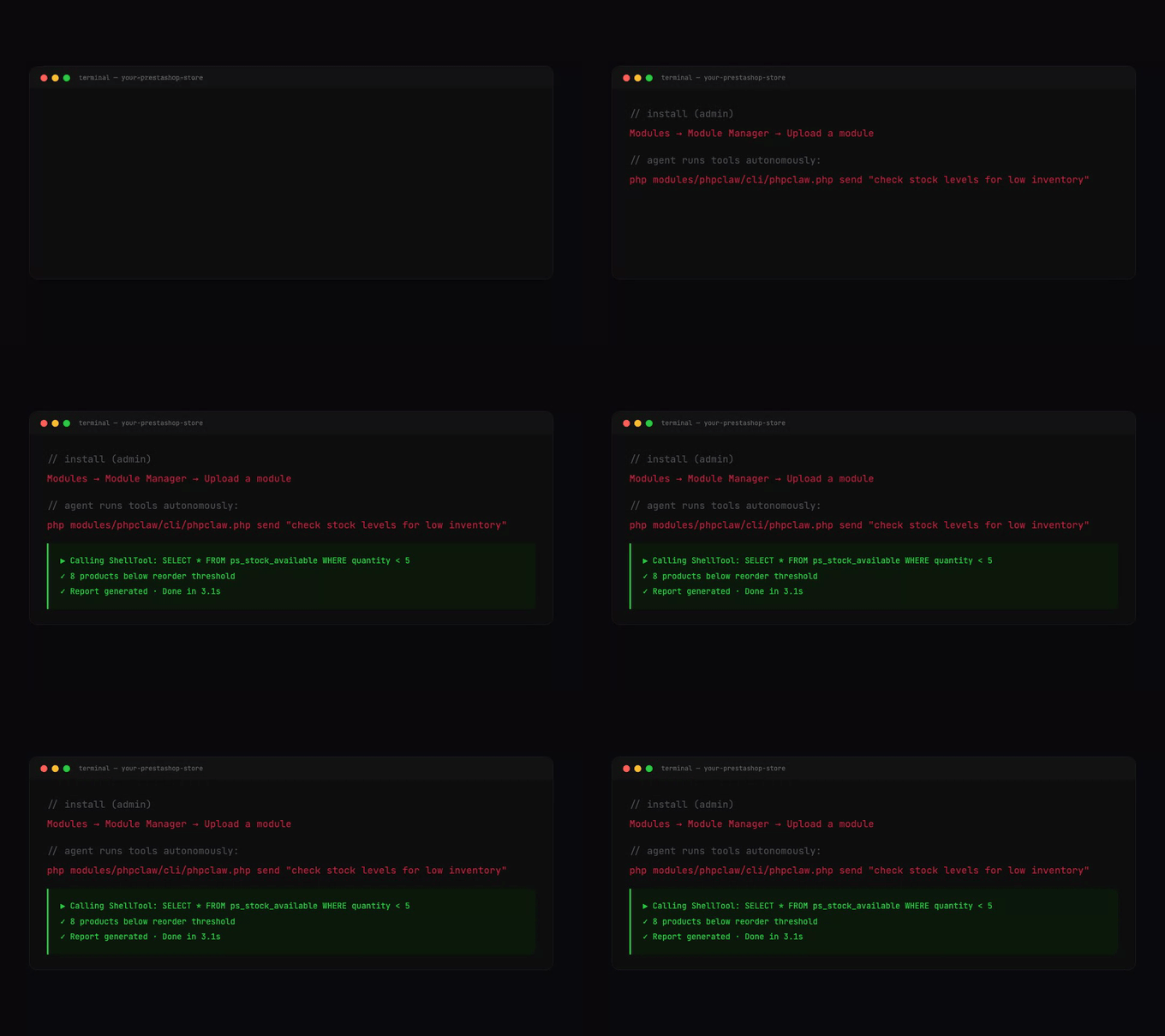
In the back office, go to Modules → Module Manager → Upload a module and upload the ZIP. Then open phpClaw → Settings, choose a provider and enter the API key.
Need a specific version? Browse all releases →
The Settings page shows when a newer version is available. The module’s compatibility ceiling is the PrestaShop version it was installed on, so after upgrading PrestaShop itself, upload the module ZIP again to refresh it.
Settings
Section titled “Settings”phpClaw → Settings stores its values in PrestaShop’s configuration: provider, model, API key,
Base URL (for the Custom provider; https://, or http:// on localhost, 127.0.0.1 or ::1),
system prompt, Store Messages (on by default), max iterations (default 20), Remote Skill URLs, and the
phpClaw Cloud key, signing secret and disabled features. Cloud boots only while Store
Messages is on.
With Store Messages off, the agent stores no message content. See Memory.
The module’s config/phpclaw.php holds settings with no form field: workspace_root (default
storage/phpclaw under the shop root), shell_allowlist (core’s default), tool_deny, guards,
hooks, skills and events_bridge. Several can be set by defining a PHP constant before the module
loads, such as PHPCLAW_SHELL_ALLOWLIST.
Permissions
Section titled “Permissions”The module adds back office tabs. Their permissions, set under Advanced Parameters → Team → Permissions, decide who can use phpClaw:
| Grant | Allows |
|---|---|
view on Chat (AdminPhpClawDebug) | opening the Chat page, the REST endpoint, and every PrestaShop tool |
edit on Chat | sending messages from the Chat page |
view on Settings | the Settings page and Test Connection |
edit on Settings | saving settings |
| SuperAdmin profile | everything above, seeing every employee’s conversations, issuing and revoking API tokens, and database |
A fresh install grants these to SuperAdmin only.
A tool call without the grant returns a FORBIDDEN error. The CLI script skips the check.
21 tools:
| Group | Tools |
|---|---|
| PrestaShop | ps_product, ps_order, ps_customer, ps_category, ps_manufacturer, ps_cart, ps_stock, ps_coupon, ps_module, ps_report, ps_config, ps_employee, database, ps_log |
| Core | code_search, project_info, file_read, http_request, shell_exec, file_edit, file_write |
database runs one read-only SELECT and refuses the configuration, phpclaw_conversations and
phpclaw_messages tables; for configuration the refusal points to ps_config. See Tools
for the core tools.
| Tool | Does |
|---|---|
ps_product | searches and inspects products with stock and pricing |
ps_order | searches and inspects orders with status and payment data |
ps_customer | searches and inspects customers with order history statistics |
ps_category | browses the category hierarchy |
ps_manufacturer | searches and inspects manufacturers and brands |
ps_cart | lists carts and finds abandoned ones |
ps_stock | checks stock per product and finds items out of stock |
ps_coupon | lists cart rules and vouchers |
ps_module | searches and inspects installed modules |
ps_report | revenue and order reports |
ps_config | reads configuration values |
ps_employee | searches and inspects back office employees |
database | runs one read-only SELECT |
ps_log | reads the application log, dev.log |
What ps_config returns
Section titled “What ps_config returns”ps_config never returns a configuration name that matches any of 17 credential patterns: asking
for one returns no rows rather than an error, and meta.blocked_patterns lists the 17. Inside a
structured value it withholds keys named like credentials, at any depth. It returns name, value,
id_shop and id_shop_group by default, because one name can hold a global row and a per-shop row.
Every response states what it cannot catch: a credential stored as plain text under a name that matches no pattern is returned in full. Most configuration rows are plain text, so do not treat the values as scrubbed.
Tools added through the actionPhpclawExtraTools hook are placed before the built-in tools.
Denying tools
Section titled “Denying tools”tool_deny in config/phpclaw.php removes tools by name or group:
| Group | Tools |
|---|---|
group:commerce | ps_product, ps_order, ps_customer, ps_cart, ps_coupon |
group:catalog | ps_category, ps_manufacturer, ps_stock |
group:system | database, ps_log, ps_config, ps_module, ps_employee, ps_report |
Approval and PHP files
Section titled “Approval and PHP files”Every agent is built with CliApprovalGate. In a terminal you are asked before a tool changes
something; in the back office and the REST endpoint there is nobody to ask, so the change is refused.
See Security: approval.
file_write may create .php, .phtml and .phar files when run from the CLI script.
php modules/phpclaw/cli/phpclaw.php send "check stock levels for low inventory"php modules/phpclaw/cli/phpclaw.php send "summarise orders" --stream --provider=openai --model=gpt-4o
php modules/phpclaw/cli/phpclaw.php mcp-server
send takes --stream, --provider and --model. mcp-server serves the tools over stdio; see
MCP.
From PHP, phpclaw_agent('message') returns the reply text. For the full response, use the agent:
use PhpClaw\PrestaShop\Plugin;
$response = Plugin::getInstance()->engine()->send('Analyse cart abandonment this week.');echo $response->text;REST endpoint
Section titled “REST endpoint”One front controller, with the action in the query string:
| Action | URL | Returns |
|---|---|---|
send | {shop}/index.php?fc=module&module=phpclaw&controller=api&action=send | the reply as JSON |
chat/stream | {shop}/index.php?fc=module&module=phpclaw&controller=api&action=chat/stream | Server-Sent Events |
Both need POST with a JSON body holding message (at most 50,000 bytes) and an optional
conversation_id.
curl -X POST "https://example.com/index.php?fc=module&module=phpclaw&controller=api&action=send" \ -H "Authorization: Bearer <token>" \ -H "Content-Type: application/json" \ -d '{"message":"how many orders came in today?"}'Authentication
Section titled “Authentication”- Bearer token. A SuperAdmin issues a token for an employee on phpClaw → Settings. It is
shown once and stored as a SHA-256 hash. It acts as that employee, who must be active and hold
viewon the Chat tab. Only theAuthorizationheader is read. The employee and the grant are checked on every request, so revoking the token, removing the grant or deactivating the employee takes effect immediately. - Back office session. A logged-in employee with
viewon the Chat tab, from a same-origin request.
Responses
Section titled “Responses”| Status | Code | When |
|---|---|---|
| 400 | phpclaw_empty_message, phpclaw_long_message | the message is missing or too long |
| 403 | phpclaw_forbidden | not authenticated, no Chat grant, or another employee’s conversation |
| 404 | phpclaw_not_found | unknown action |
| 405 | phpclaw_forbidden | not a POST |
| 422 | phpclaw_guard | a guard blocked the message |
| 429 | phpclaw_rate_limited | more than 60 requests from one IP in a 60-second window |
| 500 | phpclaw_error | anything else failed |
| 503 | phpclaw_not_configured | no provider is configured, or the agent raised a configuration error |
The rate limit counts in APCu. Without APCu nothing is counted, so no request is limited.
Admin pages
Section titled “Admin pages”| Page | Tab permission | Shows |
|---|---|---|
| Settings | Settings | the settings, Test Connection, and API tokens for SuperAdmins |
| Chat | Chat | the chat interface with the employee’s conversations |
| Analytics | Analytics | conversation and message counts; store-wide for SuperAdmins, otherwise the employee’s own |
| Guide | Guide | the registered tools |
| About | About | module information |
Conversations and ownership
Section titled “Conversations and ownership”Each conversation stores the creating employee’s id in id_employee, from the back office session or
the token’s employee. Conversations created from the CLI store 0. An employee sees and opens only
their own conversations; opening another’s is refused with 403. SuperAdmins see every
conversation.
The agent always uses the ps_router memory driver, PsRouterMemory: conversations in the
conversation tables, everything else in phpclaw_memory. The module also registers ps_db
(PsDbMemory, phpclaw_memory only) and ps_setting (PsSettingMemory, PrestaShop’s
configuration table).
Extending
Section titled “Extending”A module registers additions by hooking these actions and returning an array of entries; phpClaw
merges every module’s returned array. The bucket parameter holds what has been collected so far and
is passed by value, so changing it adds nothing:
| Hook | Adds |
|---|---|
actionPhpclawExtraTools | tools |
actionPhpclawExtraGuards | guards |
actionPhpclawExtraHooks | lifecycle listeners |
actionPhpclawExtraSkills | skills |
actionPhpclawExtraMemory | memory drivers |
actionPhpclawExtraProviders | providers |
Lifecycle events
Section titled “Lifecycle events”While events_bridge is on, every lifecycle event is also executed as a PrestaShop hook named
actionPhpClaw followed by the event name in CamelCase, such as actionPhpClawAgentAfter, with
event and context parameters. The event names are listed on the Hooks page.