phpClaw for Joomla
The Joomla adapter is one package with three extensions: the com_phpclaw component (chat and admin
pages), the plg_system_phpclaw plugin (settings), and the plg_webservices_phpclaw plugin (API
routes). It adds two console commands and 14 tools.
Install
Section titled “Install”| Requirement | Version |
|---|---|
| PHP | 8.1 or later |
| Joomla | 4, 5 or 6 |
Download phpClaw for Joomla (.zip)
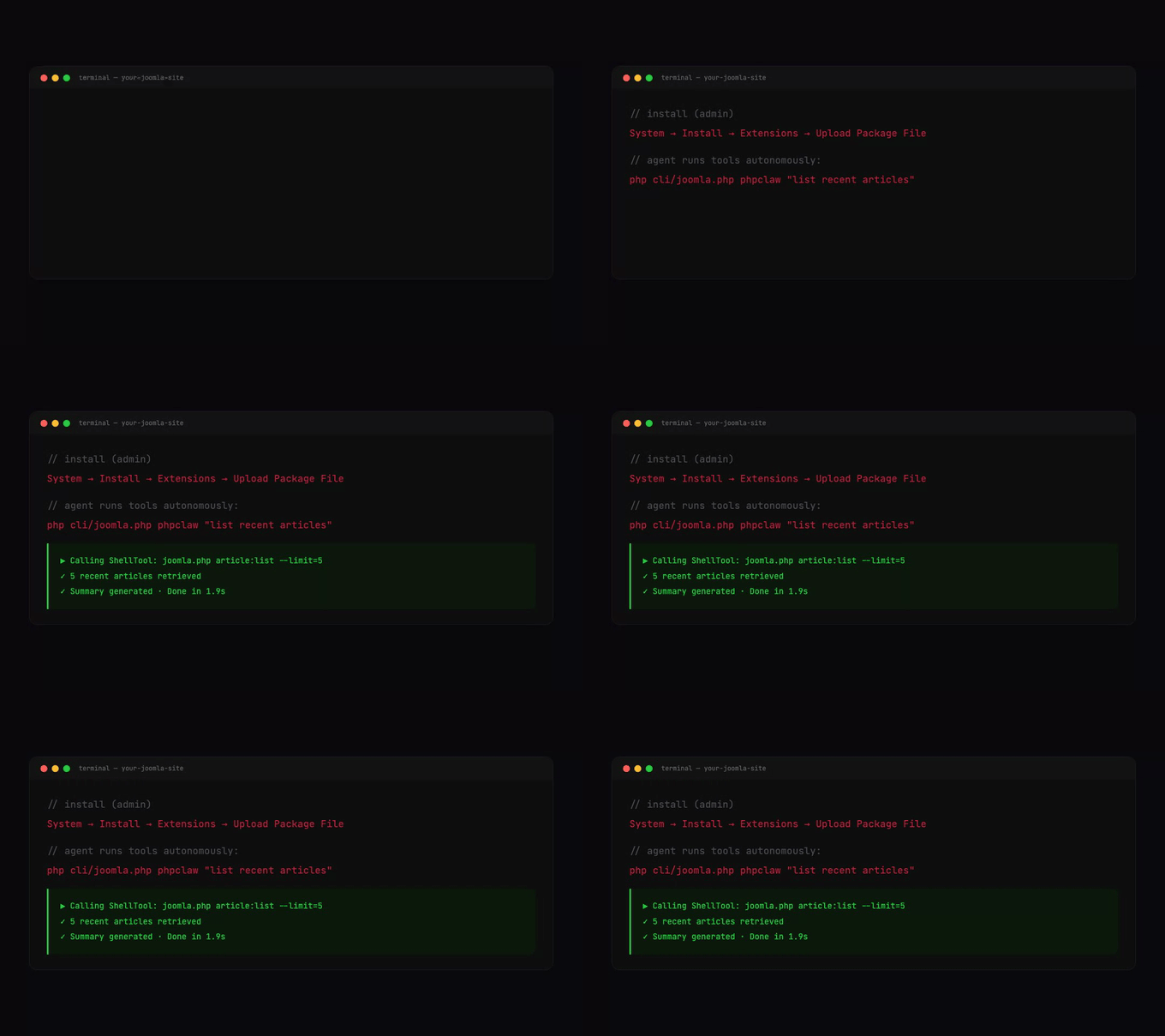
In the Joomla admin, go to System → Install → Extensions → Upload Package File and upload the
ZIP. Installing creates #__phpclaw_conversations, #__phpclaw_messages and #__phpclaw_memory;
the agent also creates them when it starts if they are missing.
Then open System → Plugins → System - phpClaw, enable it, choose a provider and enter the API key.
Need a specific version? Browse all releases →
Settings
Section titled “Settings”Settings are stored in the System - phpClaw plugin’s parameters:
| Field | Notes |
|---|---|
| Provider, Model | the provider to use |
| API Key | hidden for Ollama |
| Base URL | shown for the Custom provider; https://, or http:// on localhost, 127.0.0.1 or ::1 |
| Store Messages | Yes by default |
| System Prompt | cut to 8000 characters |
| Max Iterations | default 20 |
| Remote Skill URLs | one HTTPS URL per line ending in .md or .json; at most 50 are loaded |
| Cloud Key, Cloud Signing Secret, Cloud Disable | shown while Store Messages is Yes; configure phpClaw Cloud. Cloud Disable accepts scan, observability, and the hide_inputs, hide_outputs, hide_metadata names that keep content on your server (Cloud) |
Cloud boots only while Store Messages is on and a Cloud Key is set. With Store Messages off, the agent stores no message content. See Memory.
The plugin parameters also accept shell_allowlist and tool_deny as comma-separated strings, and
guards, hooks and skills as JSON. They have no form field. An empty shell_allowlist uses
core’s default allowlist.
Permissions
Section titled “Permissions”The component defines two ACL actions, set under System → Global Configuration → phpClaw → Permissions or per user group:
Action on com_phpclaw | Allows |
|---|---|
phpclaw.chat.use | the Chat, Analytics, Guide and About pages, both API routes, and every Joomla tool |
phpclaw.chat.manageall | seeing every user’s conversations and counts on Chat and Analytics |
Saving settings, enabling the plugin and Test Connection need Joomla’s core.admin.
A Joomla tool call without the action returns a FORBIDDEN error. When the Joomla console
application runs the agent, the check is skipped. A script that boots Joomla some other way is still
checked: the test is instanceof ConsoleApplication, not PHP_SAPI === 'cli'.
What is registered
Section titled “What is registered”14 tools:
| Group | Tools |
|---|---|
| Joomla | joomla_articles, joomla_users, joomla_categories, joomla_extensions, joomla_database_query |
| Core | shell_exec, http_request, file_read, file_write, file_edit, code_search, project_info |
| Packaging | zip_package, joomla_zip_extension |
| Tool | Does | Example question |
|---|---|---|
joomla_articles | lists and searches articles | show me the latest articles on the site |
joomla_categories | lists and searches categories | list the categories on this site |
joomla_extensions | lists and searches installed extensions | what extensions are installed |
joomla_users | lists and searches registered users | list the registered users |
joomla_database_query | runs one read-only SELECT | show me the five most recently modified articles |
joomla_zip_extension | validates a generated extension and packages it as a ZIP | validate and package the extension I just generated |
The example questions come from each tool’s own examples.
The file tools work inside administrator/components/com_phpclaw/storage/workspace. See
Tools.
Tools added through onPhpClawExtraTools are placed before the built-in tools.
Approval and PHP files
Section titled “Approval and PHP files”Every agent is built with CliApprovalGate. In a terminal you are asked before a tool changes
something; in the chat page and the API there is nobody to ask, so the change is refused. See
Security: approval. The MCP server does not use the approval gate.
file_write may create .php, .phtml and .phar files only when PHP runs from the command line,
and never from the MCP server, whose command builds its tools with allowPhpWrite: false.
Denying tools
Section titled “Denying tools”| Group | Tools |
|---|---|
group:content | joomla_articles, joomla_categories |
group:admin | joomla_users, joomla_extensions |
group:system | joomla_database_query, joomla_zip_extension, zip_package, file_read, file_write, file_edit, code_search, project_info, shell_exec, http_request |
What a tool returns
Section titled “What a tool returns”The five Joomla data tools and the extension packager answer in one envelope:
{ "success": true, "data": { "categories": [{ "id": 2, "title": "Uncategorised" }] }, "meta": { "mode": "query", "total": 9, "count": 2, "has_more": true, "next_offset": 2 }, "warnings": []}On failure success is false, error holds a code and message, data is null and
meta.mode is "error". The core tools return their own formats.
The four collection tools (joomla_articles, joomla_categories, joomla_extensions and
joomla_users) accept {"schema": true} to describe their fields without reading rows, and
{"aggregate": true} for counts only. Setting both returns CONFLICTING_MODES. Aggregate mode warns
IGNORED_ARGUMENT for columns, limit, offset, order_by and order_dir. When meta.has_more
is true, send meta.next_offset back as offset.
meta.total is a COUNT(*) over the same filter as the page, and rows with the same sort value are
ordered by the primary key, so pages stay stable. meta.columns_returned names the fields sent.
| Error code | When |
|---|---|
FORBIDDEN | the caller lacks phpclaw.chat.use |
UNKNOWN_COLUMN | a field that does not exist was asked for; the error lists available_columns |
BLOCKED_COLUMN | a refused field was asked for |
BLOCKED_IDENTIFIER | a query named a restricted column such as password |
BLOCKED_STATEMENT | the SQL was not a single read |
INVALID_SQL | the database rejected the query; its message is passed back |
CONFLICTING_MODES | schema and aggregate were both set |
Fields that are never returned:
| Tool | Refused fields |
|---|---|
joomla_users | password, otpKey, otep, activation, params, token, secret |
joomla_articles | fulltext, images, urls, attribs, metadata, metakey, metadesc |
joomla_categories | params, metadata, metadesc, metakey, note |
joomla_extensions | params, custom_data, checked_out, checked_out_time |
The first three tools answer a request for one of those fields with BLOCKED_COLUMN.
joomla_extensions lists its four under blocked_columns in its schema but answers with
UNKNOWN_COLUMN.
Warnings
Section titled “Warnings”| Code | Meaning |
|---|---|
UNTRUSTED_CONTENT | the response contains text written by users or by extension authors |
SENSITIVE_DATA | personal data was returned |
IGNORED_ARGUMENT | an argument did not apply to the mode used |
OUTPUT_TRUNCATED | joomla_database_query output passed its 8192-byte limit; meta then carries truncated, bytes_kept, bytes_produced, and rows_matched |
UNTRUSTED_CONTENT comes with meta.untrusted_fields_returned. On joomla_extensions it covers
the name, version, author and description copied from each extension’s manifest. Only those three
manifest values are taken; the rest of the stored manifest is dropped, and schema lists them as
untrusted_manifest_fields. joomla_articles uses stronger wording when you ask for unpublished (0),
trashed (-2) or archived (2) articles. On joomla_users, name and username are untrusted and
email, username and lastvisitDate are sensitive, so a returned username carries both warnings.
Database
Section titled “Database”joomla_database_query runs one read-only SELECT. It refuses the session, extensions,
phpclaw_conversations and phpclaw_messages tables; for extensions it names joomla_extensions,
which reads extension data through an allowlist.
Build an extension from chat
Section titled “Build an extension from chat”The extension_scaffolder skill adds Joomla extension rules to the message when words such as
scaffold, manifest, boilerplate, generate or installable appear. After the agent writes the
files, joomla_zip_extension checks before packaging:
- a manifest declares
<extension type="plugin">,componentormodule, and every file and folder it lists is present - PHP files carry the
_JEXECguard - no file calls
eval(,system(,exec(,passthru(orshell_exec( - every PHP file passes a syntax check
- a plugin is wired the Joomla 4, 5 and 6 way:
<filename plugin="...">equals the folder name, the manifest declares<namespace path="src">,services/provider.phpregisters a factory underJoomla\CMS\Extension\PluginInterfaceand sets the application and dispatcher, and every class undersrc/sits where its namespace says, with no Joomla 3 constructor
A failed check names the file and the problem. The skill’s rules cover plugins only; for a component or module it tells the agent those are not supported yet. Every write needs approval, so run it from the console:
php cli/joomla.php phpclaw "Generate an installable system plugin that logs each page render, then package it."Admin pages
Section titled “Admin pages”Under Components → phpClaw, each page needs phpclaw.chat.use:
| Page | Shows |
|---|---|
| Chat | the chat interface with the user’s conversations |
| Analytics | conversation and message counts; site-wide for phpclaw.chat.manageall, otherwise the user’s own |
| Guide | the registered tools and extensions |
| About | component information |
Conversations and ownership
Section titled “Conversations and ownership”Each conversation stores its creator’s Joomla user id. Conversations created from the console store
0. A user sees and opens only their own conversations; opening another user’s is refused with
403. phpclaw.chat.manageall shows every conversation.
The agent always uses the joomladb memory driver, JoomlaDbRouterMemory: conversations go to
JoomlaDbConversationMemory and the two conversation tables, everything else to JoomlaDbMemory and
#__phpclaw_memory.
Console
Section titled “Console”php cli/joomla.php phpclaw "list recent articles"php cli/joomla.php phpclaw "summarise all articles" --streamphp cli/joomla.php phpclaw "and the week before?" --conv-id=01JQABCDE...
php cli/joomla.php phpclaw:mcp-serverphpclaw takes --stream and --conv-id to continue a conversation. phpclaw:mcp-server serves the
tools over stdio; see MCP.
Web Services API
Section titled “Web Services API”| Method | Route | Returns |
|---|---|---|
| POST | api/index.php/v1/phpclaw/chat | the reply as JSON |
| POST | api/index.php/v1/phpclaw/chat/stream | Server-Sent Events |
Both need a Joomla API token and phpclaw.chat.use.
curl -X POST https://example.com/api/index.php/v1/phpclaw/chat \ -H "Authorization: Bearer YOUR_JOOMLA_API_TOKEN" \ -H "Accept: application/vnd.api+json" \ -H "Content-Type: application/json" \ -d '{"message":"how many articles were published today?"}'Before the routes answer, enable Web Services - phpClaw, API Authentication - Token and
User - Joomla API Token, and make sure the calling user’s group may log in to the API and hold a
token. Those are Joomla’s own settings: by default Joomla grants API login only to Super Users, and the
User - Joomla API Token plugin’s Allowed User Groups decides who may hold a token. Without
them Joomla answers 401 before phpClaw runs.
The API carries chat only. Saving settings, enabling the plugin and Test Connection stay on the admin
screens, behind an administrator session and Joomla’s core.admin.
The body is JSON with message (at most 40,000 characters) and an optional conversation_id. The
response is {"success": true, "data": {...}}, where data holds text, provider, model,
tokens, iterations, conversation_id and tool_calls.
| Status | When |
|---|---|
| 400 | the message is empty or too long, or a guard blocked it |
| 403 | the caller lacks phpclaw.chat.use, or the conversation belongs to another user |
| 500 | anything else failed |
chat/stream uses the text/event-stream format and sends error events for failures.
Extending
Section titled “Extending”A Joomla plugin can listen for these events, each fired while the agent starts:
| Event | Adds |
|---|---|
onPhpClawExtraTools | tools |
onPhpClawExtraGuards | guards |
onPhpClawExtraHooks | lifecycle listeners |
onPhpClawExtraSkills | skills |
onPhpClawExtraMemoryDrivers | memory drivers |
onPhpClawExtraProviders | providers |
Lifecycle events
Section titled “Lifecycle events”The adapter tries to dispatch every lifecycle event on Joomla’s event dispatcher as onPhpClaw
followed by the event name in CamelCase, such as onPhpClawAgentAfter, but no event reaches a Joomla
listener. The bridge builds its event with Joomla\Event\GenericEvent, which Joomla 4, 5 and 6 do not
ship, and the error is swallowed.
To react to lifecycle events, add a listener through onPhpClawExtraHooks instead:
public function onPhpClawExtraHooks(\Joomla\Event\EventInterface $event): void{ $hooks = $event->getArgument('hooks') ?? []; $hooks[] = ['event' => 'agent.after', 'handler' => fn (array $ctx) => $this->log($ctx), 'priority' => 10]; $event->setArgument('hooks', $hooks);}The event names are listed on the Hooks page.
Updates
Section titled “Updates”The package lists https://phpclaw.ai/api/joomla-update/package as its update server, so updates it
publishes appear under System → Update → Extensions. To update by hand, upload the new package
ZIP; installing over the existing version keeps the tables and settings.