phpClaw for OpenCart
The OpenCart adapter is an extension with separate builds for OpenCart 3 and 4. It adds admin pages under phpClaw, a CLI script, and 17 tools.
Install
Section titled “Install”| Requirement | Version |
|---|---|
| PHP | 8.1 or later |
| OpenCart | 3 or 4 |
Download for OpenCart 4 (.ocmod.zip)
Download for OpenCart 3 (.ocmod.zip)
Upload the ZIP for your version under Extensions → Installer, then install the module under
Extensions → Extensions → Modules. Installing creates phpclaw_conversations, phpclaw_messages
and phpclaw_memory, and gives the installing admin’s user group every phpClaw permission.
Then open phpClaw → Settings, choose a provider and enter the API key.
Need a specific version? Browse all releases →
The Settings page shows when a newer version is available. Installing runs Plugin::runMigration(),
whose CREATE TABLE IF NOT EXISTS statements leave existing tables and rows in place.
Settings
Section titled “Settings”phpClaw → Settings stores provider, model, API key, Base URL (for the Custom provider; https://,
or http:// on localhost, 127.0.0.1 or ::1), system prompt, Store Messages (on by default), max
iterations (default 20), Remote Skill URLs and the phpClaw Cloud fields in OpenCart’s
settings. Cloud is used only while Store Messages is on.
Remote Skill URLs keeps only https:// URLs whose path ends in .md or .json.
With Store Messages off, the agent stores no message content. See Memory.
The module’s config/phpclaw.php holds settings with no form field: workspace_root (default
phpclaw under OpenCart’s storage directory), shell_allowlist (core’s default), tool_deny,
guards, hooks, skills and events_bridge. Several can be set by defining a PHP constant, such
as PHPCLAW_SHELL_ALLOWLIST.
Permissions
Section titled “Permissions”phpClaw uses OpenCart’s route permissions, set under System → Users → User Groups. On OpenCart 3
the route is extension/module/phpclaw; on OpenCart 4 it is extension/phpclaw/module/phpclaw.
| Permission | Allows |
|---|---|
access on the phpClaw route | the Chat, Analytics, Guide and About pages, and every OpenCart tool except raw SQL |
modify on the phpClaw route | sending messages from the Chat page |
access on the route followed by /manage_all | the Settings page, Test Connection, seeing every admin’s conversations, and db_query |
A tool call without the permission returns a FORBIDDEN error. The CLI script skips the check.
17 tools:
| Group | Tools |
|---|---|
| OpenCart | oc_product, oc_category, oc_manufacturer, oc_order, oc_customer, oc_review, oc_coupon, oc_shipping, db_query, read_log |
| Core | code_search, project_info, file_read, http_request, shell_exec, file_edit, file_write |
db_query runs one read-only SELECT and refuses the setting table, where extensions keep their
credentials, and the phpclaw_conversations and phpclaw_messages tables. See Tools for the core tools.
| Tool | Does |
|---|---|
oc_product | searches and inspects products with stock and pricing |
oc_category | browses the category hierarchy |
oc_manufacturer | lists and searches manufacturers |
oc_order | searches and inspects orders with revenue and status |
oc_customer | searches and inspects customers with order history statistics |
oc_review | lists reviews by product, rating or status |
oc_coupon | lists active and expired coupons and their usage |
oc_shipping | searches and inspects shipping methods |
db_query | runs one read-only SELECT |
read_log | reads and searches system/storage/logs/error.log |
Tools added through the phpclaw/extra/tools event are placed before the built-in tools.
Denying tools
Section titled “Denying tools”tool_deny in config/phpclaw.php removes tools by name or group:
| Group | Tools |
|---|---|
group:commerce | oc_product, oc_order, oc_customer, oc_coupon |
group:catalog | oc_category, oc_manufacturer, oc_review |
group:system | db_query, read_log, oc_shipping |
Approval and PHP files
Section titled “Approval and PHP files”Every agent is built with CliApprovalGate. In a terminal you are asked before a tool changes
something; in the admin there is nobody to ask, so the change is refused. See
Security: approval.
file_write may create .php, .phtml and .phar files when run from the CLI script.
The same script ships for both versions, in OpenCart’s cli folder:
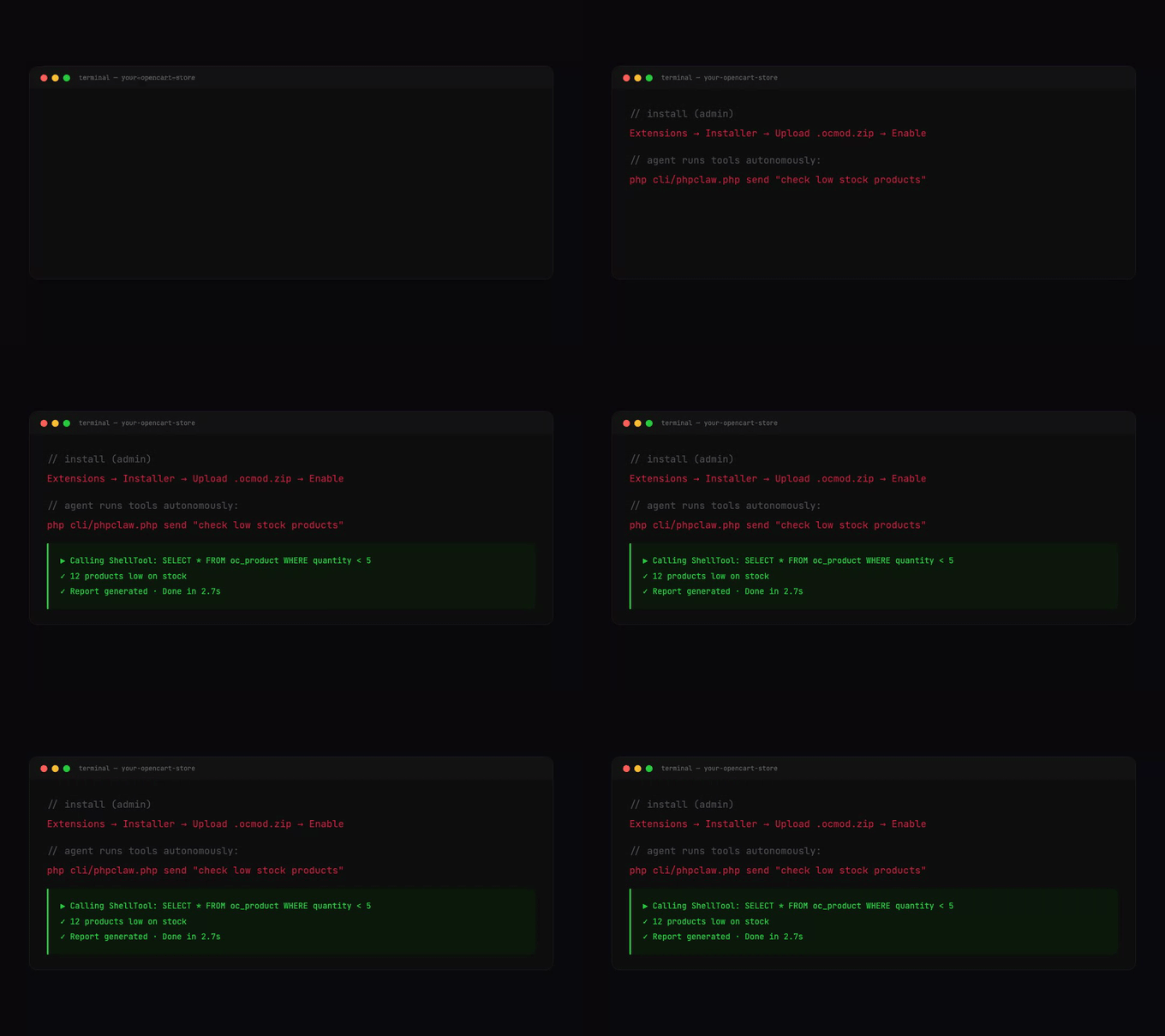
php cli/phpclaw.php send "check low stock products"php cli/phpclaw.php send "summarise today's orders" --stream --provider=groq
php cli/phpclaw.php mcp-server
send takes --stream, --provider and --model, and runs with every tool including raw SQL.
mcp-server serves the tools over stdio; see MCP.
From PHP, phpclaw('message') returns the reply text.
PhpClaw\OpenCart\PhpClawLibrary is the OpenCart registry form. Its send() returns the reply text
and getEngine() returns the agent. It builds the agent with PhpClawFactory, which reads the
provider, model and message storage from PHP constants such as PHPCLAW_PROVIDER and
PHPCLAW_MODEL, not from the Settings page.
$registry->set('phpClaw', new \PhpClaw\OpenCart\PhpClawLibrary());
$text = $registry->get('phpClaw')->send('Check order queue depth.');Admin pages
Section titled “Admin pages”| Page | Permission | Shows |
|---|---|---|
| Settings | /manage_all | the settings and Test Connection |
| Chat | access (modify to send) | the chat interface with the admin’s conversations |
| Analytics | access | conversation and message counts; store-wide with /manage_all, otherwise the admin’s own |
| Guide | access | the registered tools |
| About | access | extension information |
Conversations and ownership
Section titled “Conversations and ownership”Each conversation stores the creating admin’s user id in owner_id. Conversations created from the
CLI store 0. An admin sees and opens only their own conversations; opening another’s is refused.
Admins with /manage_all see every conversation.
The agent always uses the oc_router memory driver, OcRouterMemory, which sends conversations to
OcDbConversationMemory and everything else to OcDbMemory. oc_setting (OcSettingMemory) stores
in OpenCart’s settings table instead. With oc_router, conversations go to the conversation tables,
everything else in phpclaw_memory.
Extending
Section titled “Extending”Extensions register additions through OpenCart events named phpclaw/extra/tools,
phpclaw/extra/guards, phpclaw/extra/hooks, phpclaw/extra/skills, phpclaw/extra/memory and
phpclaw/extra/providers.